 Pepe
How to change the Java version of a Minecraft server
Every Minecraft version needs the right Java version. The panel usually sets it for you when you change the server software, but with old versions and modpacks you sometimes have to change it yourself.
Which Java for which version
| Minecraft | Java |
|---|---|
| 1.8 - 1.16.5 | Java 8 (1.16.5 also runs on 11) |
| 1.17 | Java 16 or 17 |
| 1.18 - 1.20.4 | Java 17 |
| 1.20.5 - 1.21.11 | Java 21 |
| 26.1 and newer | Java 25 |
How to change it
- Stop the server.
- Open the Settings tab.
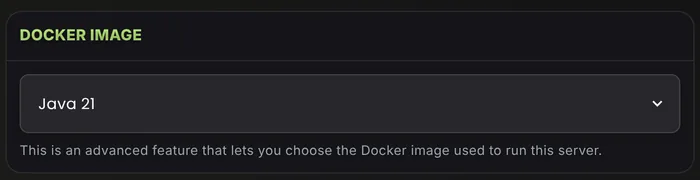
- In the Docker image box choose the Java version from the list.
- Start the server.
Signs of the wrong Java version
The console shows one of these errors:
Unsupported class file major versionorUnsupportedClassVersionError- Java is too old, pick a newer one,- on old versions and Forge 1.12.2 mods, the server shuts down right after starting - pick Java 8.
Frequently asked questions
I cannot change the image, the field is locked.
The image was set manually by an administrator. Message us and we will change it.
Is newer Java always better?
For new game versions, yes. Older Minecraft versions and old mods often do not run on new Java, so stick to the table.