 Pepe
How to reinstall your Minecraft server
A reinstall runs the server software installer again. It helps when the server files are broken or the server will not start after changes that went wrong.
How to do it
- Make a backup.
- Open the Settings tab.
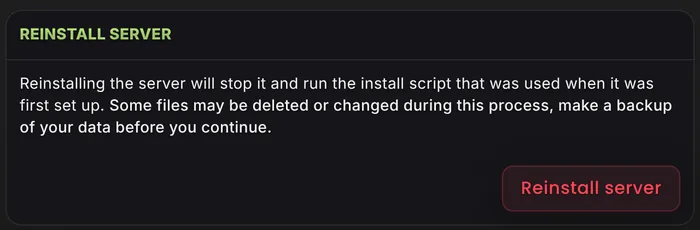
- In the Reinstall server box click Reinstall server and confirm.
- Wait until the installation finishes, then start the server.
Warning: some files may be deleted or overwritten. Do not do this without a backup.
Starting completely from scratch
A reinstall does not always remove the world and plugins. If you want a clean server:
- Make a backup.
- In the Files tab delete all files and folders.
- Reinstall the server as described above.
If you only want a new world and the plugins should stay, resetting the world is enough.
Frequently asked questions
Does a reinstall change the game version?
No. You change the version and the server software in the Server software tab (how).